JPEG XL Universal Fallback

Convert JXL to JPG Online

Convert cutting-edge JPEG XL (JXL) files into standard JPG format. Restore universal compatibility across web browsers, operating systems, and image viewers.

  • Universal compatibility across all operating systems
  • Fast client-side WebAssembly decoding with @jsquash/jxl
  • No quality degradation by default (100% quality)
JXL to JPG Converter WorkspaceConverting to jpg · No compression by default (100% quality)
Working from the web?

Output Format

-0.25x
-0.5x
-0.75x
-1x
Format ComparisonTechnical Breakdown

JPEG XL vs JPG: Key Differences

Evaluate how JPEG XL and JPG compare across compression algorithms, browser compatibility, transparency, and practical performance.

SpecificationJPEG XLJPG (Target)
Format Generation
JPEG XL (next-generation standard)Legacy JPEG (universal standard)
Mainstream Browser Support
Limited / experimental flags100% universal across all browsers
Desktop Software
Requires specialized pluginsBuilt into every photo viewer and OS
Compression Efficiency
Highest (superior to AVIF & WebP)Baseline standard
HDR & Wide Gamut
Full native 32-bit float supportStandard 8-bit sRGB

Format Optimization Guide

Mastering JPEG XL to JPG Conversion

Practical architectural advice for web performance, cross-platform compatibility, and asset workflows.
01

Bridge the JPEG XL compatibility gap

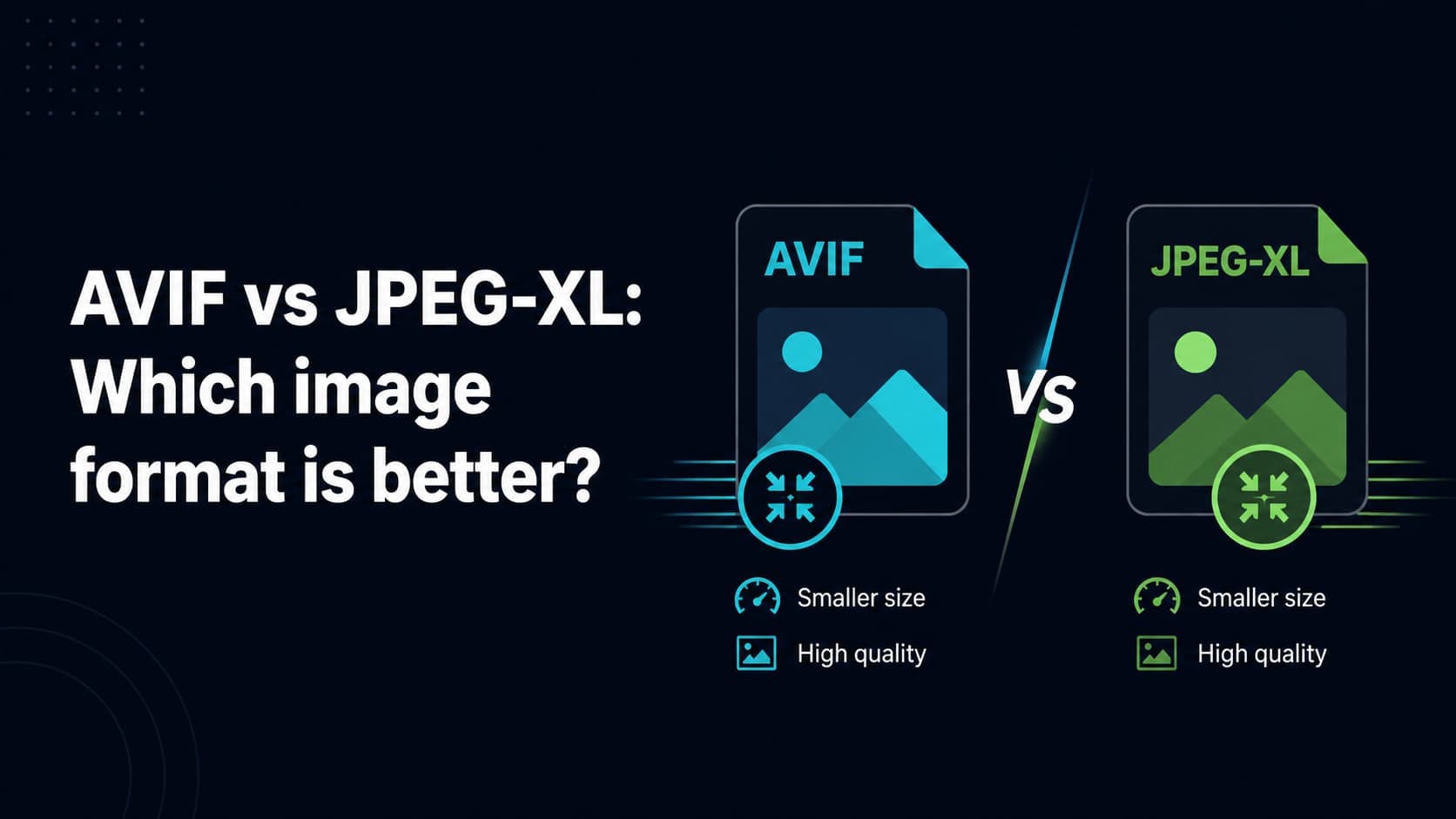
JPEG XL is hailed by image compression engineers as the most versatile modern image format, featuring extraordinary compression, progressive decoding, and lossless JPEG transcoding. However, widespread browser adoption has been gradual, leaving many users unable to open or view JXL files.

Converting JXL to standard JPG solves this adoption hurdle immediately. The resulting file can be opened, shared, and edited on any device, operating system, or website without compatibility issues.
02

Client-side WebAssembly transcoding

Our converter uses the official libjxl WebAssembly build to decode cutting-edge JXL streams directly in your browser. Raw pixel data is re-encoded into high-quality JPEG buffers locally, ensuring instant results without uploading your media to remote servers.

Frequently Asked Questions

Common questions about converting JPEG XL images to JPG format.

Q. Why won’t Chrome or Firefox open my JXL file?

While JPEG XL is standardized, major browser vendors have not enabled default support without experimental flags. Converting JXL to JPG ensures anyone can view your images immediately.

Q. Will converting JXL to JPG reduce image quality?

Our converter runs at 100% quality by default to preserve the high dynamic fidelity of the original JXL image as closely as possible within the JPEG standard.

Q. Can I batch convert multiple JXL images at once?

Yes, drop your JXL images into the converter and download the finished JPG files individually or as a single ZIP archive.

Q. Is my data private during conversion?

Yes, completely. Decoding and encoding execute locally in your web browser. No files are uploaded to our servers.