
Shopify Speed Optimization Service
Shopify runs your servers, so the slowdown comes from your apps, theme and tracking scripts. We cut them back, then prove the result with field data from your real shoppers.
- Fixed price before work begins
- 20% to start, the rest on approval
- Tested on a theme copy first
- Shopify
Speed Up Your Site
If we're a good fit, we'll contact you within 1 business day to discuss fixes and price.
Trusted by Users from 1,000+ Companies

















Why Shopify Stores Slow Down
Shopify hosts your store on its own servers and CDN, so hosting is rarely the problem. The slowdown comes from code added on top: apps, theme scripts and tracking pixels that every shopper's phone has to download and run.
Every App Adds Code to Your Storefront
Reviews, upsells, bundles and popups add scripts and styles to your store. Many load on every page, even where the feature never shows.
Uninstalled Apps Leave Code Behind
Apps that edited your theme files can leave snippets and script tags in place after you remove them. Your store keeps loading code for apps you no longer use.
Pixels Pile Up With Every Campaign
Each ad channel, analytics tool and chat widget adds another script. Together they compete with variant pickers and add to cart for the phone's processor, so the page feels slow to tap.
Code loaded on a Shopify product page
Illustration, not measured data- Theme code
- Product media
- Reviews app
- Upsell app
- Tracking pixels
- Old app code
What We Fix on Shopify Stores
We work on everything your store controls, starting with the apps and scripts that add the most weight.
Apps and Scripts
App Audit
- Each app's cost measured on every template
- App embeds switched off where a page doesn't need them
- Code left behind by uninstalled apps
- Overlapping apps removed or replaced, with your approval
Tracking and Pixels
- Duplicate pixels and tags removed
- Tag manager clean-up
- Pixels moved to Shopify's sandboxed customer events where possible
Widgets and Chat
- Reviews, chat and upsell widgets loaded when they're needed
- Popups and countdown timers
- Dynamic checkout and payment buttons never delayed
Core Web Vitals
- Good ≤ 2.5 s
Loading Speed (LCP)
- Main product and hero images loaded first
- Hero sliders and video banners
- Render blocking theme and app files
- Good ≤ 200 ms
Responsiveness (INP)
- Variant pickers and product options
- Add to cart and the cart drawer
- Collection filters and predictive search
- Good ≤ 0.1
Visual Stability (CLS)
- Announcement bars and promo popups
- Review stars and app blocks that load late
- Product media and thumbnails
Theme and Liquid
Liquid and Server Response
- Time to First Byte (TTFB) on collection and product pages
- Heavy Liquid loops and snippets
- Redirect chains
- App content that waits on outside servers
Theme Code
- Unused sections, scripts and styles
- Duplicate libraries such as jQuery and sliders
- CSS and JavaScript loaded only on templates that use them
Images and Fonts
- Images sized for each screen from Shopify's CDN
- Lazy loading below the fold, never on the main image
- Fewer font families and weights
- Icon fonts replaced with SVG icons
What Shopify Controls
Part of your store's speed is in Shopify's hands on every plan. We say up front what we can't change, and work on everything around it.
Servers and Hosting
Shopify runs and scales the servers. There's no hosting plan, PHP or database to tune, so we don't sell server work on Shopify.
CDN and Page Caching
Shopify's CDN serves your files and caches pages. We make sure your theme uses it well.
Checkout
Checkout runs on Shopify's own code. On Shopify Plus, we review the extensions and pixels that add work there.
Shopify's Own Scripts
Every store loads scripts Shopify needs for its own features, and no theme can remove them.
Get Ready for Black Friday and Cyber Monday
Shopify scales its servers for a sale. It can't slim down the apps, pixels and promo widgets your store adds, and sale prep usually adds more of them just before the busiest week.
Campaign Code Checked First
Sale banners, popups, countdown timers and new pixels are tested for speed before they go live, not after.
Apps That Call Outside Servers
Reviews, bundles and upsell apps that load content from their own servers are set up so a slow app can't hold up your product pages.
Sale Pages Tested on Mobile
Landing, collection and product pages for the sale are tested on mobile devices from the countries you sell to.
Live Before the Rush
Fixes go live well before your code freeze, and the 30-day field check covers the sale.
Measured With the Tools We Build
SpeedVitals is a website speed testing platform. The team that builds it does the optimization, and measures what each app and script costs your shoppers.
Proof from real shoppers
We add SpeedVitals Real User Monitoring (RUM) at kick-off, so you see LCP, INP and CLS from your shoppers before and after.
Web VitalsExamplePassedLargest Contentful Paintp751.824 s90% GoodInteraction to Next Paintp7596 ms88% GoodCumulative Layout Shiftp750.00991% GoodTested where your customers shop
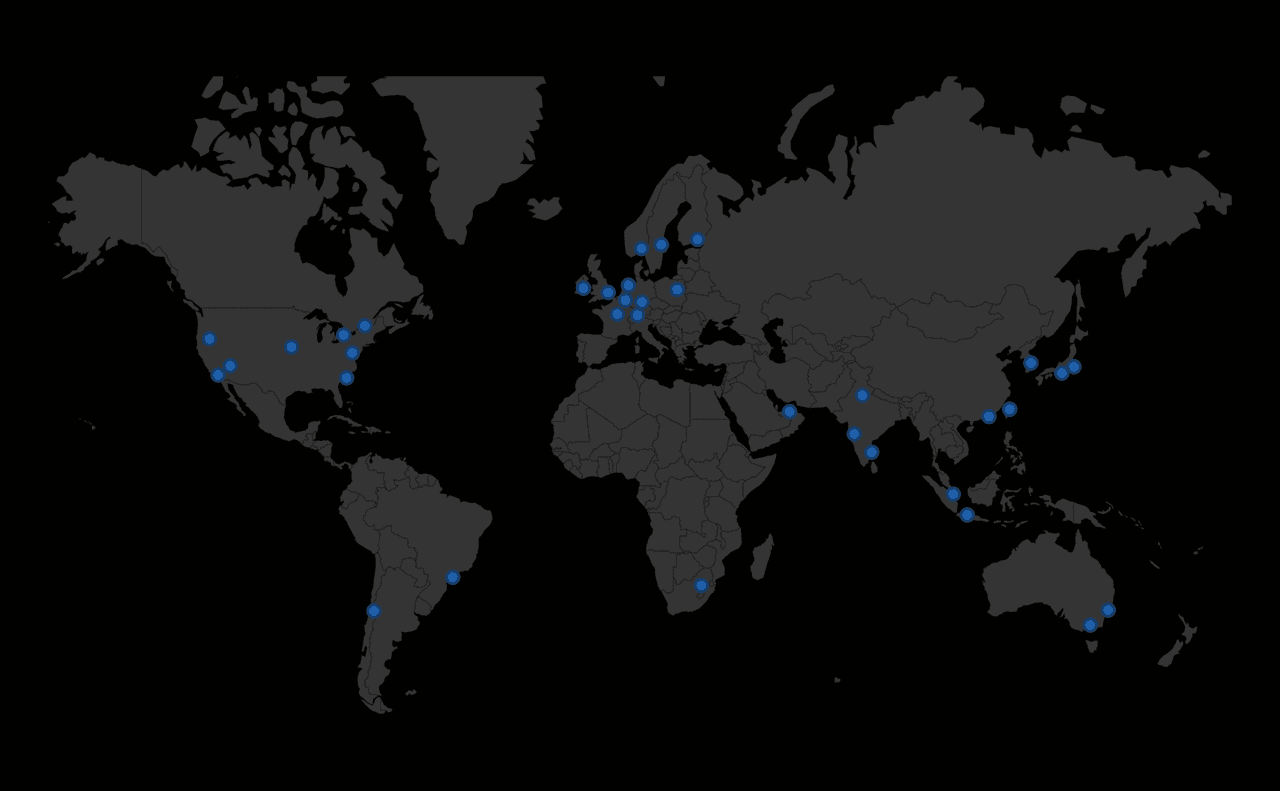
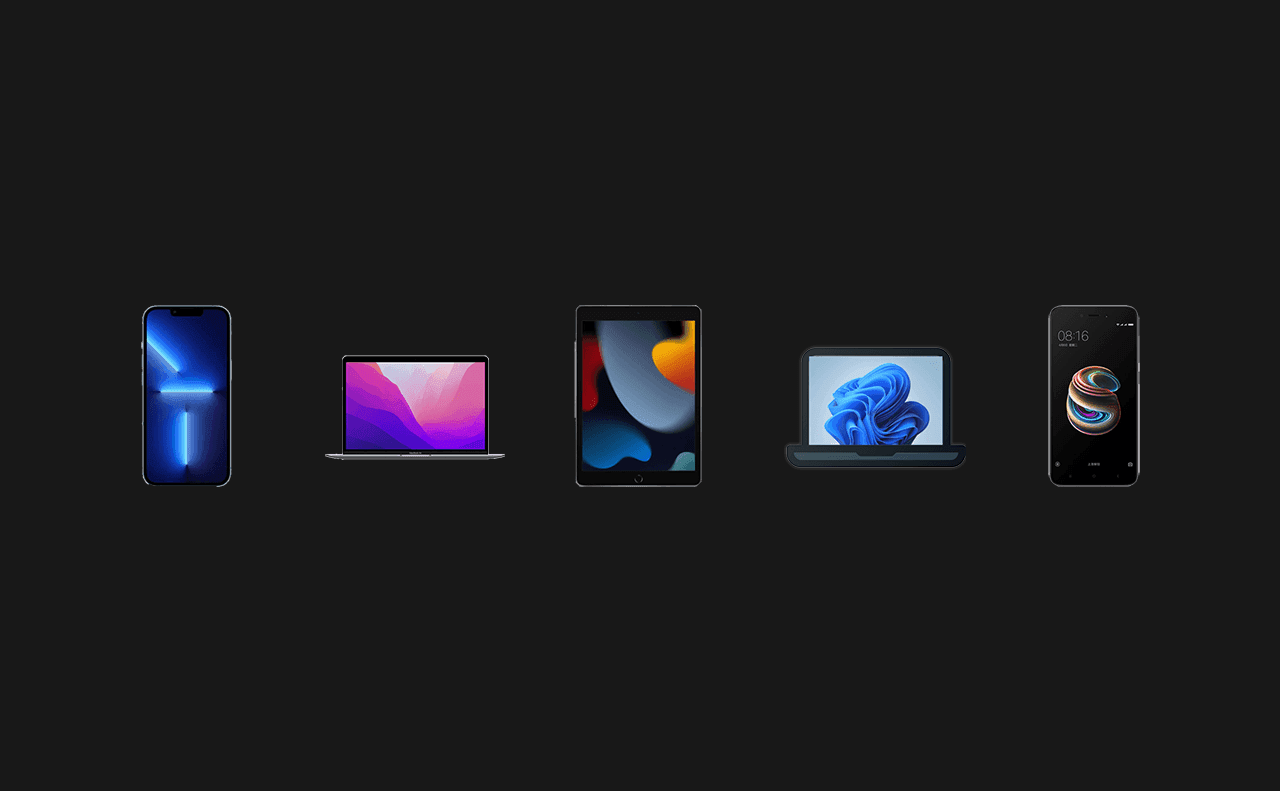
Lab tests from 35 locations and 30+ real device profiles.
Field data first
We start from your Chrome UX Report data, with 12 months of history, to see which pages shoppers find slow.
JFMAMJJASONDLCP at p75, 12 monthsIllustration
Every template, not just the homepage
Batch tests across home, collection, product, cart and search pages.
- Home
- Collection
- Product
- Cart
- Search
Server response worldwide
TTFB tests from 40 locations, to catch heavy Liquid templates and redirects.
 us
 gb
 de
 in
 sg
 jp
 au
 brand 32 more locations
How It Works
- 1
Tell us about your site
Send your URL and a few details. If we're a good fit, we contact you within 1 business day.
- 2
Call and fixed quote
On a call, we walk you through what's slowing your site down. You then get a fixed price and timeline before any work starts.
- 3
Kick-off
Pay 20% to book your slot and add us as a collaborator. We save a copy of your live theme and add SpeedVitals RUM to record your starting point.
20% payment - 4
Fixes on a theme copy
We make and test every change on an unpublished copy of your theme, including variant pickers, add to cart and the cart drawer. Your live store keeps selling.
- 5
Review and launch
You review the before and after report and preview the new theme. Once you approve, we publish it when your traffic is lowest, and you pay the balance.
Balance paid - 6
30-day field check
We follow your real visitor data for 30 days after launch and fix anything that slips.
Most projects take 1 to 2 weeks from kick-off.
Is This Service Right for Your Store?
A good fit
- Shopify and Shopify Plus stores where product and collection pages feel slow on mobile
- Stores getting ready for Black Friday, a product drop or a big sale
- Stores running many apps, pixels or custom theme code
- Agencies that look after Shopify stores for clients
Not the right fit
- Stores still being built. Optimize once the store is live and taking orders.
- Anyone who only wants a PageSpeed score screenshot. We optimize for real shoppers.
- Stores with only a handful of orders a month. A fast theme and a short list of apps are usually enough at that size.
Pricing
Starts at
$1,000+
One-time fee. After the call, you get a fixed price before any work starts.
What affects the price
- Number of apps
- Theme and custom code
- Tracking pixels and third party scripts
- Number of page templates
- Shopify Plus customizations
Pay 20% to start. Pay the balance only after you approve the results.
Speed Up My SiteWhat's included
- All fixes made and tested on a theme copy, then published
- A saved copy of your live theme before any change
- Before and after report with lab and field data
- SpeedVitals Real User Monitoring through the 30-day field check
- 30 days of support after launch
What Our Clients Say
From site owners and teams we've worked with.
Our WordPress site speed score improved from 71% to 95% and conversions increased by 16% within two weeks. The team was professional and delivered exactly what they promised.
SMSamarth MathurGrowth Strategist Finally found someone optimizes while focusing on Core Web Vitals. Our Google rankings improved significantly in a month and now the website loads in less than 2 seconds.
PRPaulo RodrígezChief Marketing Officer Worth every penny! The detailed before/after reports and transparent process gave us complete confidence. The bounce rate of our WooCommerce site dropped by 30%.
SHSarah HaygoodWordPress Developer
Frequently Asked Questions
Can't find your answer? Email [email protected].
How much does Shopify speed optimization cost?
Our Shopify speed optimization service starts at $1,000. The final price depends on how many apps the store runs, custom code in the theme, tracking pixels and third party scripts, the number of page templates and any Shopify Plus customizations. After a call about your store, you get a fixed price before any work starts. You pay 20% to begin and the balance after you approve the results.
Why is my Shopify store slow?
Usually because of what's been added to it, not Shopify's servers. Each app, tracking pixel and widget adds code that shoppers' phones download and run, and themes collect unused sections and scripts over time. Oversized images and late loading banners add to it. We measure what each one costs before we change anything.
Will a speed optimization app do the same job?
A speed app can help with images or preloading, but it adds its own script and can't remove code that other apps and your theme load. On most slow stores, the gains come from taking work away: fewer scripts, lighter theme code and the main image loaded first.
Can you make Shopify checkout faster?
On every plan, checkout runs on Shopify's own code, which no theme or app work can rebuild. On Shopify Plus, checkout UI extensions and pixels add work there, so we review them. What we speed up on any plan is the path to checkout: product pages, add to cart, the cart drawer and the cart page.
Do you guarantee a 90+ PageSpeed score?
No. A PageSpeed (Lighthouse) score is a lab result that changes between runs, and every Shopify store loads scripts of Shopify's own that no theme can remove. A high score also doesn't always mean shoppers get a fast store. We work toward passing Core Web Vitals in your field data, and you see the before and after report before you pay the balance.
What does Shopify's web performance report show?
It shows your store's Largest Contentful Paint (LCP), Interaction to Next Paint (INP) and Cumulative Layout Shift (CLS) from real visits, rated Good, Moderate or Poor at the 75th percentile. It's a good place to watch progress, next to Google's Chrome UX Report data. Both cover the last few weeks of visits, so they take time to fully reflect a change. SpeedVitals Real User Monitoring shows the change from your shoppers right away.
Will the work affect my live store?
No. We work on an unpublished copy of your theme and test variant pickers, add to cart and the cart drawer in preview. Changes made to the live theme during the project are carried over before we publish. Publishing the new theme causes no downtime for shoppers, and we don't publish during a sale.
Can you remove leftover code from uninstalled apps?
Yes. Apps that edited your theme files, rather than using Shopify's app embeds and blocks, can leave snippets, script tags and styles behind. We find them, confirm the app is really gone, and remove the code on the theme copy.
Should we switch to a faster Shopify theme?
Not always. A new theme doesn't remove app code or tracking scripts, and switching means rebuilding sections and settings. We recommend a theme change only when the theme itself is the main limit and fixing it would cost more than moving.
Can you get my store ready for Black Friday?
Yes, if there's time before your code freeze. Most projects take 1 to 2 weeks from kick-off. Changes should be live a few weeks before the sale, so the field check can catch anything that slips and new campaign scripts can be checked too. Choose "Before a sale or launch date" in the form and tell us the date.
What access do you need?
A collaborator account on your Shopify store with access to themes, apps and the online store, plus Google Tag Manager if you use it. If your store uses a collaborator request code, you share it with us, and you can remove our access as soon as we finish. Please don't send passwords through the form.
Can I speed up my Shopify store myself?
Yes. Our Shopify speed optimization guide covers apps, images, the LCP element, JavaScript and third party scripts step by step. Bring us in when you'd rather have the work done and proven in your store's field data.
Do you work with other platforms?
Yes. We also optimize WooCommerce, WordPress, Magento and Adobe Commerce, Next.js and React, Drupal and custom sites. Headless Shopify storefronts built with Hydrogen or Next.js are quoted separately. See our website speed optimization service.
Find Out What's Slowing Your Store Down
Tell us about your store. If we're a good fit, we'll contact you within 1 business day to walk through the fixes and a fixed price.