How to Self-Host Google Fonts on Every Major Platform

· 32 min read
Kashish Kumawat
CEO @ SpeedVitals

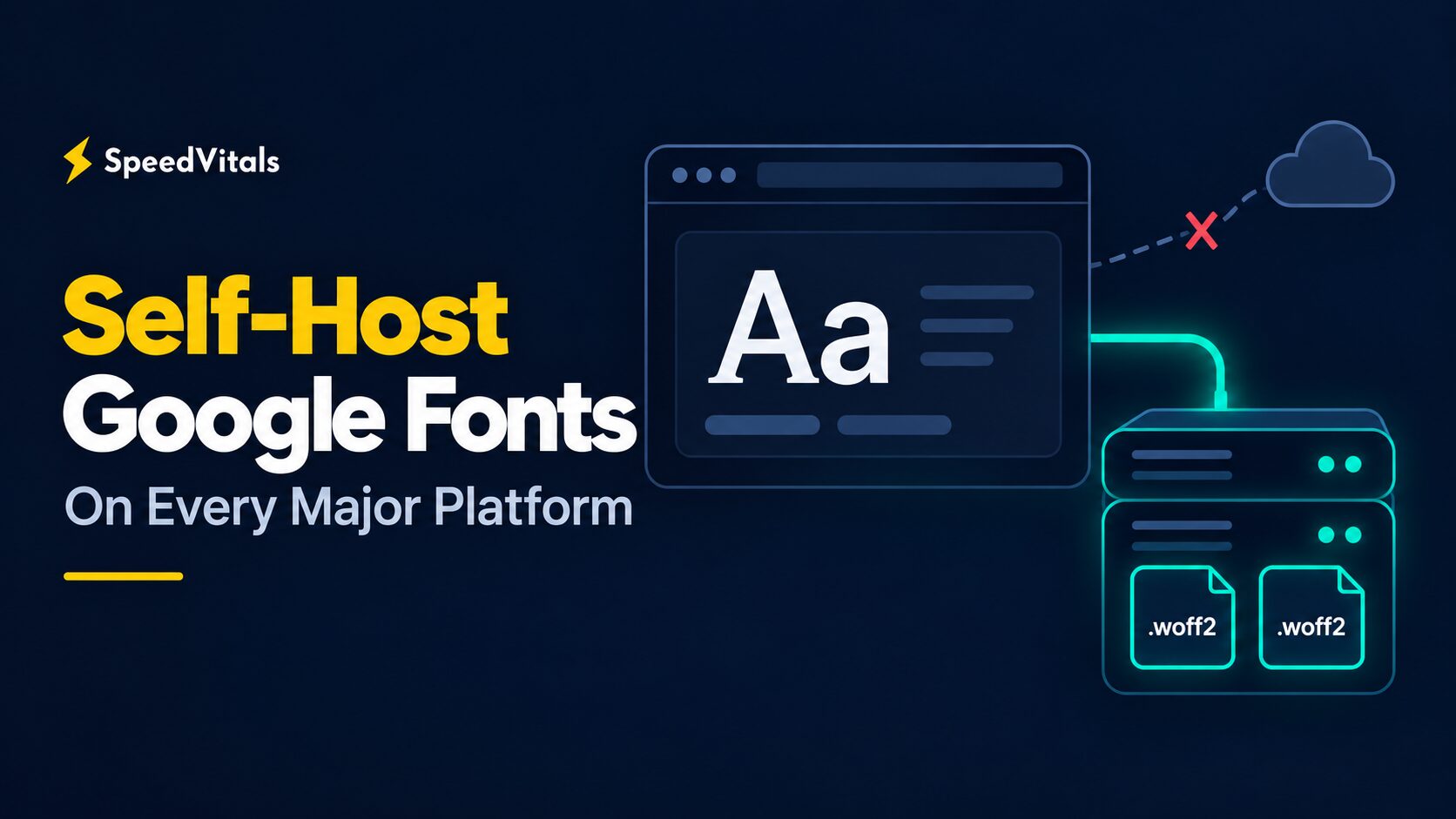
Self-host Google Fonts on every major platform, shown as a browser loading WOFF2 files from its own server instead of an external cloud

If your site uses the standard Google Fonts embed, every new visitor's browser has to connect to two Google domains before it can draw your text in the right typeface. Self-hosting Google Fonts removes both of those connections, and the font files arrive over the connection your page is already using.

My team and I have tested this extensively over years of speed optimization work at SpeedVitals, and self-hosting consistently makes a good difference. The tricky part is that the steps look completely different on WordPress, Shopify, Webflow, Next.js, or a Jekyll site.

In this article, I'll show you how to self-host Google Fonts on 20 platforms, how to prepare the files so they stay small, and how to confirm that no request to Google is left behind.

Does Page Speed Affect Your Visibility in AI Search Results?

· 7 min read
Aarav Singh
Marketer @ SpeedVitals

Does Pages Speed Affect AI Search Visibility

Search is changing quickly. People are no longer relying only on traditional blue links to find information. AI-generated answers now appear directly in search results, while platforms such as ChatGPT, Google AI Overviews, Microsoft Copilot, Perplexity, and Gemini increasingly help users discover information.

Website Performance Optimization: What Matters the Most

· 28 min read
Kashish Kumawat
CEO @ SpeedVitals

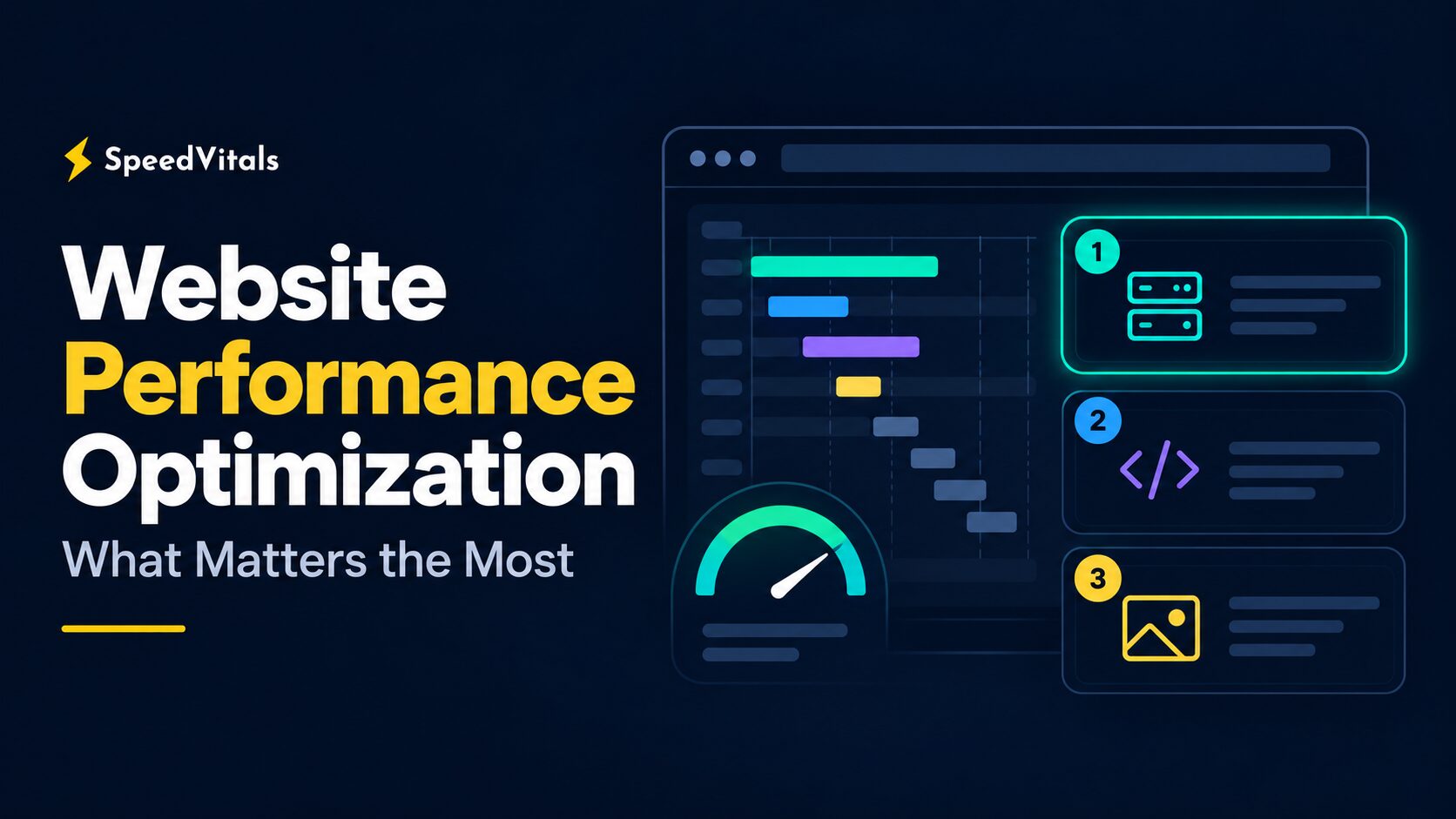
Website performance optimization: what matters the most, shown as three ranked fixes beside a page loading waterfall

Whenever you read a website performance optimization checklist, you'll usually find 30 or 40 tips listed as if they carry equal weight. Minify CSS, enable HTTP/3, self-host Google Fonts, convert images to WebP, add a CDN, and so on.

But a browser doesn't load your page from a checklist. It follows a dependency chain. A 20 KB image saving can't make up for a server that takes one second to send the HTML, and HTTP/3 can't make 700 KB of unnecessary JavaScript cheap to execute.

So which optimizations actually move your Core Web Vitals, and in what order should you make them? Let's find out.

Cloudflare Enterprise Review: Is it worth it?

· 22 min read
Kashish Kumawat
CEO @ SpeedVitals

Cloudflare Enterprise Review cover showing a cloud with an Enterprise badge connected to a hosting server and a cached web page

Cloudflare Enterprise has become a standard badge on WordPress hosting pricing pages. Rocket.net and Kinsta include it with their plans, Cloudways sells it as an add-on for $4.99/month per domain, and some hosts compare their bundle with a direct Enterprise contract they claim is worth $3,000 to $6,000 a month.

But Cloudflare's Free plan can already cache your HTML at the edge. Back in 2021, I used exactly that to take our then-WordPress blog to a 76 ms global average TTFB on a $1.33/month shared host.

So is a Cloudflare Enterprise hosting bundle worth paying for, or is it a badge on something you can set up yourself for free? Let's find out.

CSR vs SSR for AI SEO: Can AI Crawlers Read JavaScript?

· 21 min read
Kashish Kumawat
CEO @ SpeedVitals

CSR vs SSR for AI SEO: a crawler sees an empty CSR shell and a full SSR page

For years, the standard reply to JavaScript SEO concerns has been "Google can render JavaScript." That's still true, and a client-side rendered (CSR) React or Vue app can rank in Google when it's built well.

But Google is no longer the only system reading your pages. ChatGPT, Claude, and Perplexity run their own crawlers, and the public evidence shows most of them reading raw HTML without running your JavaScript.

So when it comes to CSR vs SSR for AI SEO, does server-side rendering (SSR) still matter if Google can handle both? Let's find out.