7 Best Internal Linking Plugins for WordPress
If you have a WordPress site with many pages, sooner or later, you'll face the issue of getting lost in your content. Some posts will gain traffic and traction, but others will remain almost invisible. Is it because the content is bad?
Surprisingly, low traffic is often not about bad content. One of the most common issues is that users and search engines simply can't find those pages because you don't have proper internal links. That's why you need a WordPress internal linking plugin.
In this article, we'll walk you through all the reasons why WordPress internal links matter. Moreover, we will explore the best internal linking software that works for the different goals you might have.
- A WordPress internal linking plugin can save hours and scale your site's internal linking strategy.
- If you already use a full-featured SEO suite, you might opt for its internal linking module rather than a separate plugin.
- Internal linking software serves different purposes. Some handle automation, some analytics, and some give you quick suggestions.
- Even with automation, having human oversight is important. You need to check that all your links make sense and aren't too spammy.
- Choosing the right plugin depends on your particular website and goals, whether you need advanced reports or easy tips.
Why Is WordPress Internal Linking Important?
Internal links serve two equally important purposes. First, helping search engines crawl the site efficiently. Second, helping users find relevant content quickly. That's why it's an important part of website optimization.
These are some of the most significant benefits:
- Search engines can easily reach all your important content.
- Your older articles remain accessible and "visible" to both readers and search engines.
- Visitors are guided logically through topics, potentially spending more time on your site.
- Top-performing pages can pass value (i.e., link juice) to weaker ones.
- Content clusters become easier to structure.
You can get all these benefits even when you do your internal link building manually. So, why would you need a plugin, then? If you have a dozen pages on your website, you might not need it.
But if you have hundreds of them, your internal link building can become extremely time-consuming and inconsistent. So, it is simply not efficient, considering how many other things you have to take care of.
WordPress internal links tools can also secure your site from:
- Orphaned pages
- Broken internal link pathways
- Outdated URL references
- Weak topical structure across the site
Besides, your internal linking software can improve some things that you've never thought of otherwise. For example, they often handle technical details like analyzing your selection of URLs and choosing between absolute and relative links.
Now let's take a look at the plugins that solve these problems in different ways.
7 Best WordPress Internal Linking Plugins
There are dozens of tools that might be called "perfect" for WordPress internal linking. However, depending on your goals and considerations, you have to be careful in your selection process.
Each plugin does the job differently, and often has a very well-defined "best for" audience. With that in mind, we've compiled the list below.
1. Link Whisper
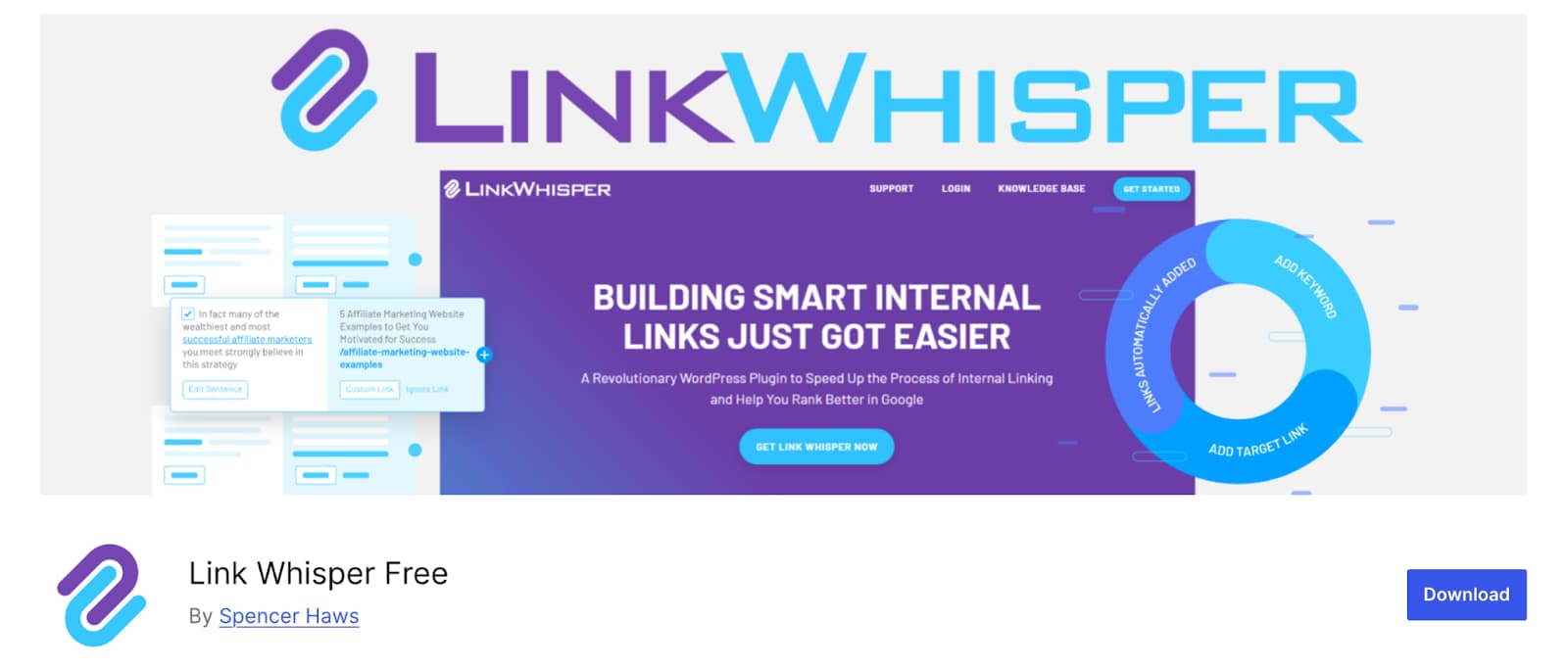
Link Whisper has become a common recommendation in the WordPress internal linking plugin space. Mainly because it proactively helps you fix and optimize your internal links at scale.
Why it stands out: Uses AI to suggest relevant internal links as you write. It also offers a dashboard listing orphan posts and inbound/outbound link counts. Besides, you can use the broken link checker and auto-linking in the premium version.
Good for: Large content sites (with hundreds of pages) or agencies managing multiple clients where manual linking is nearly impossible. But the free version can work great for smaller sites as well.
2. AIOSEO (All in One SEO)
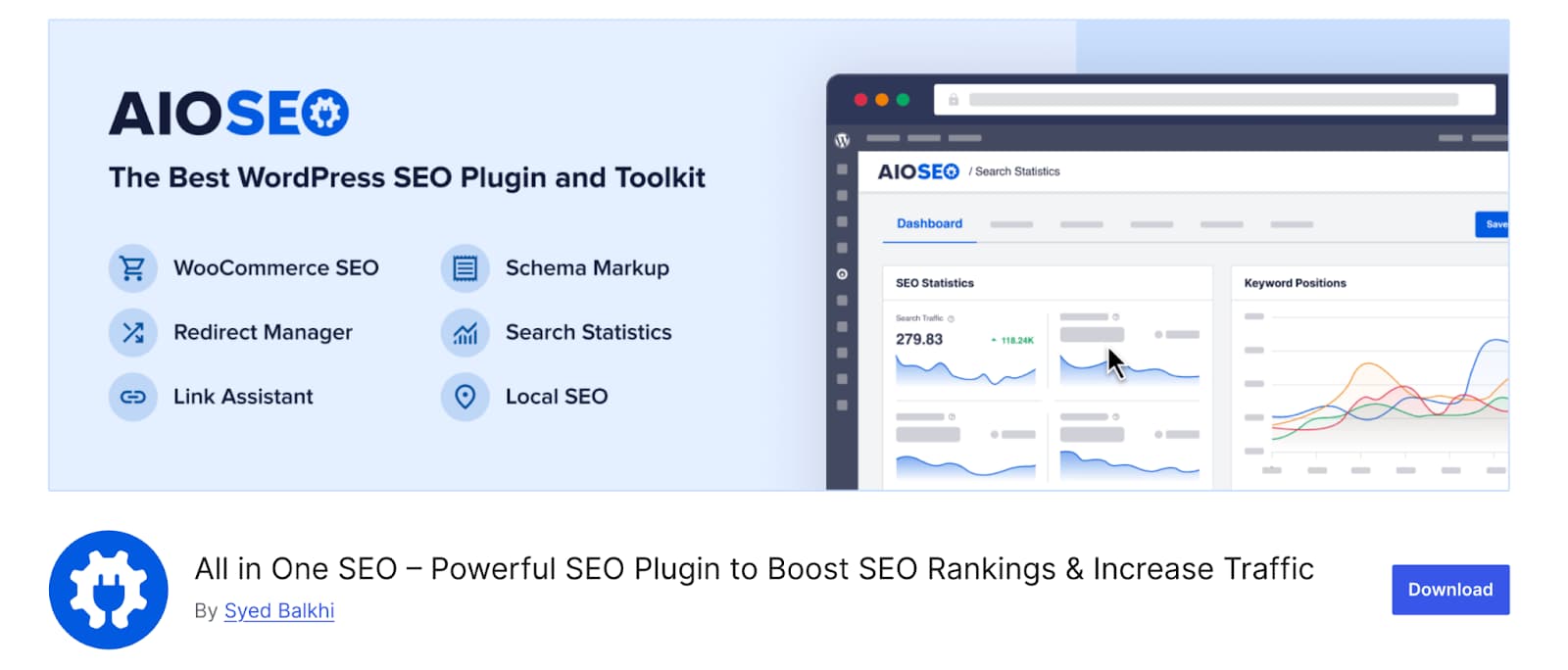
AIOSEO's Link Assistant is designed to reduce the manual work that normally comes with internal link audits. It automatically crawls your site, identifies missed opportunities, shows orphaned pages, and allows 1-click linking from a centralized interface.
Why it stands out: Internal linking is actually a part of a bigger SEO suite. And it's one of the most powerful ones out there. So, if you're looking for something beyond just internal linking, this could be it.
Good for: Teams wanting internal linking and broader SEO in one plugin.
3. Yoast SEO Premium
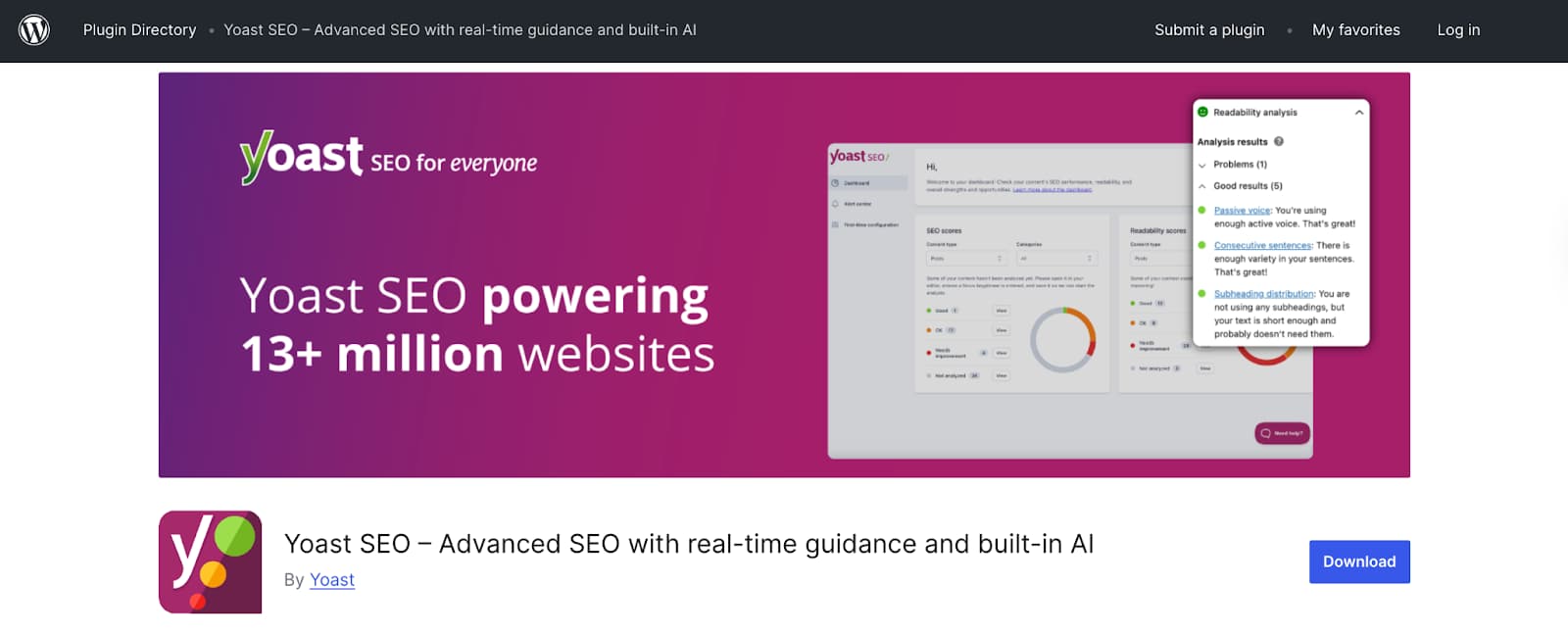
Yoast is a great tool for those who want to link at the stage of drafting. When you create (or even update) content, this WordPress internal linking manager suggests posts based on keywords in your text.
This way, you can keep your articles interlinked and spend much less time searching for the content that matches what you are working on.
Why it stands out: There's orphaned content filtering to quickly see the pages that don't have any internal links. Besides, the plugin works directly in the block editor UI, so it could be especially helpful for writers and editors.
Good for: Smaller content teams that have editorial-focused sites. It also suits those who prefer simplicity in SEO tools.
4. Rank Math SEO
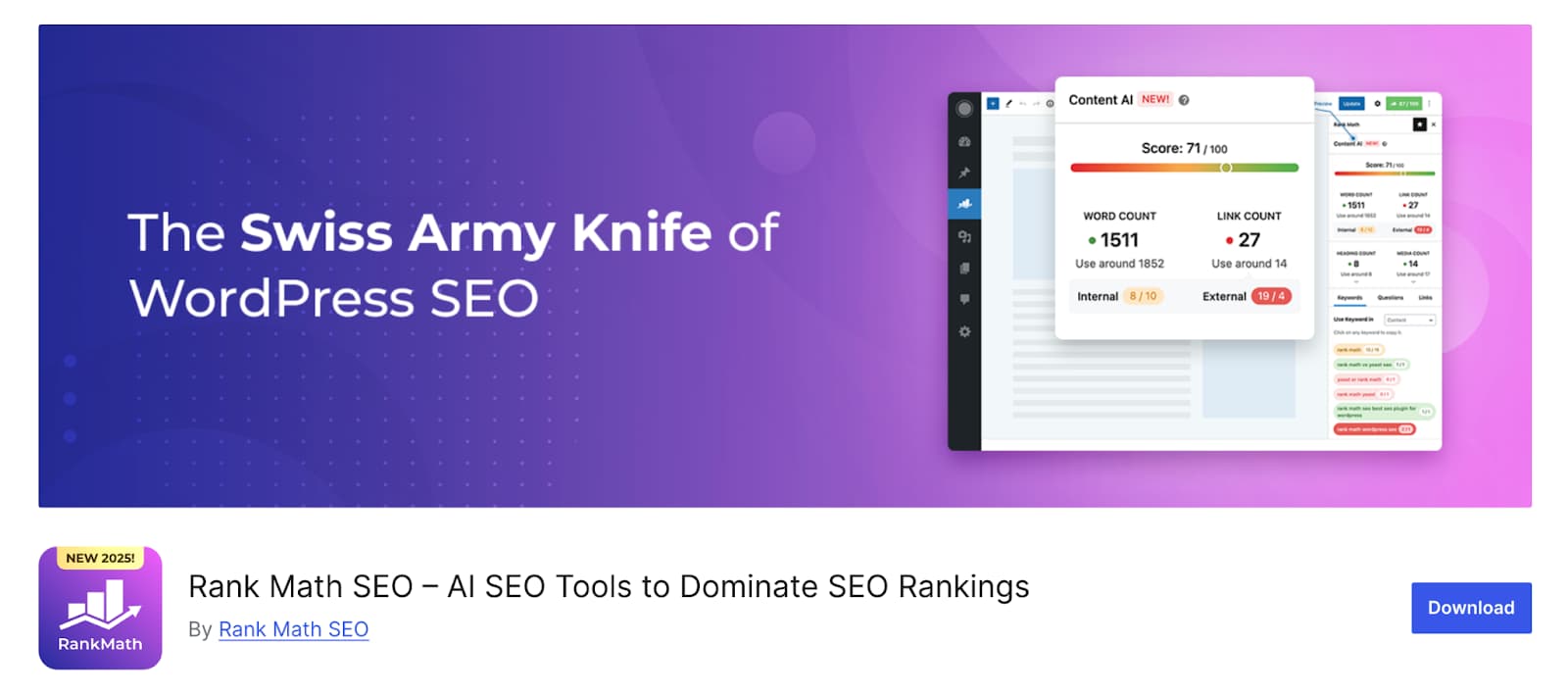
If you are looking for a built-in link suggestion tool that goes as part of a full SEO platform, you got it. Rank Math SEO highlights posts if your site misses internal links. Plus, you can also get connection suggestions inside the block editor.
But keep in mind that Rank Math's internal linking features are not as advanced as what Link Whisper or AIOSEO have.
Why it stands out: The standout advantage here is pricing. Rank Math's free version already has many features that similar tools usually only offer in their premium versions.
Good for: Cost-conscious site owners or anyone already using Rank Math for other SEO processes.
5. LinkBoss
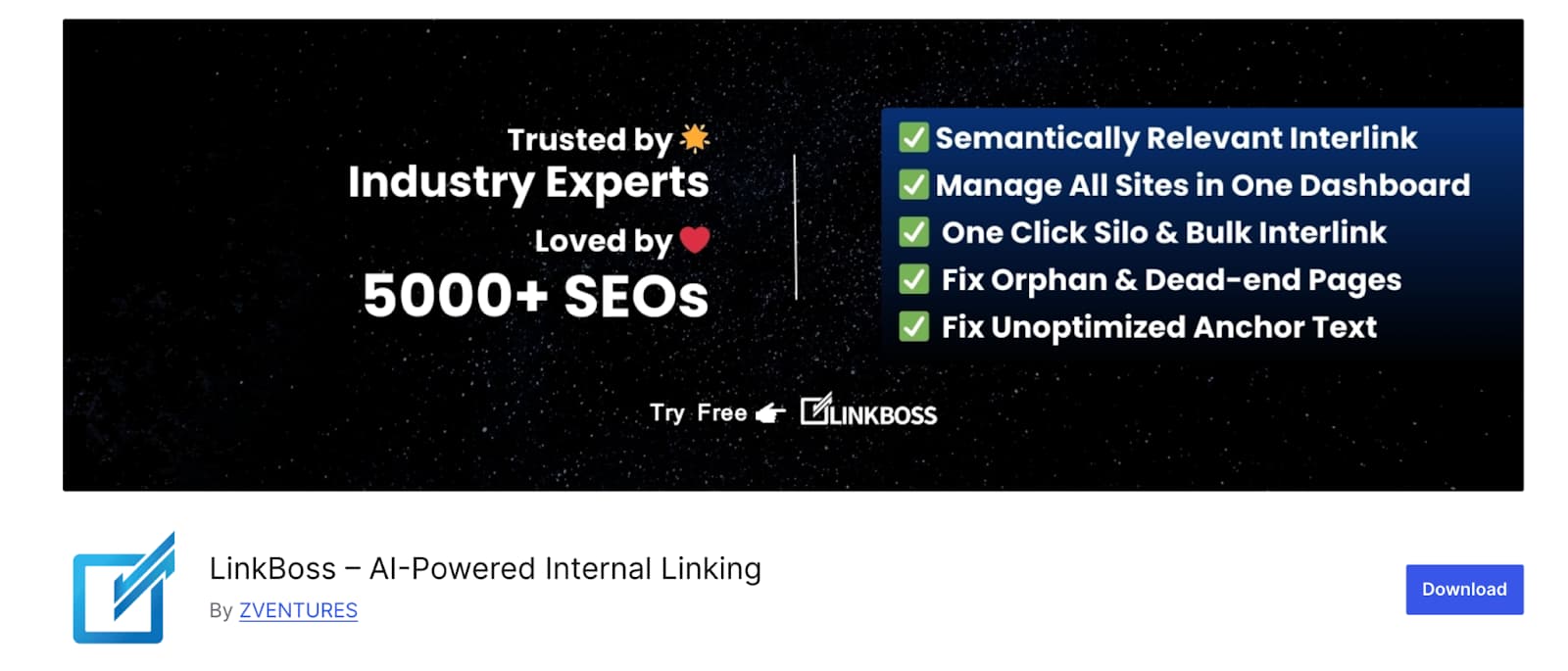
LinkBoss is a helpful tool for those who need to deal with bulk operations and require automation. Thanks to their semantic linking, algorithms suggest contextually relevant links. If you also add one-click cluster automation, you'll have a bunch of time saved with just this plugin alone.
Why it stands out: Advanced link bulk-management, automation rules. Besides, it offers detailed internal link analytics and has wide compatibility with popular WordPress setups.
Good for: Larger websites using programmatic linking and topical clusters, especially when they focus on scale and speed.
6. Internal Links Manager (by webraketen)
Internal Links Manager is quite simple and easy to use. It lets you assign keywords to a page, and then it automatically adds links whenever those keywords appear in your content.
Why it stands out: It is one of the simplest tools on this list that supports internal and external links. And since it allows for rules-based linking, it could be a really good solution for smaller businesses that don't need any advanced features.
Good for: Small to mid-sized sites wanting an easy internal link-building plugin.
7. Interlinks Manager (by DAEXT)
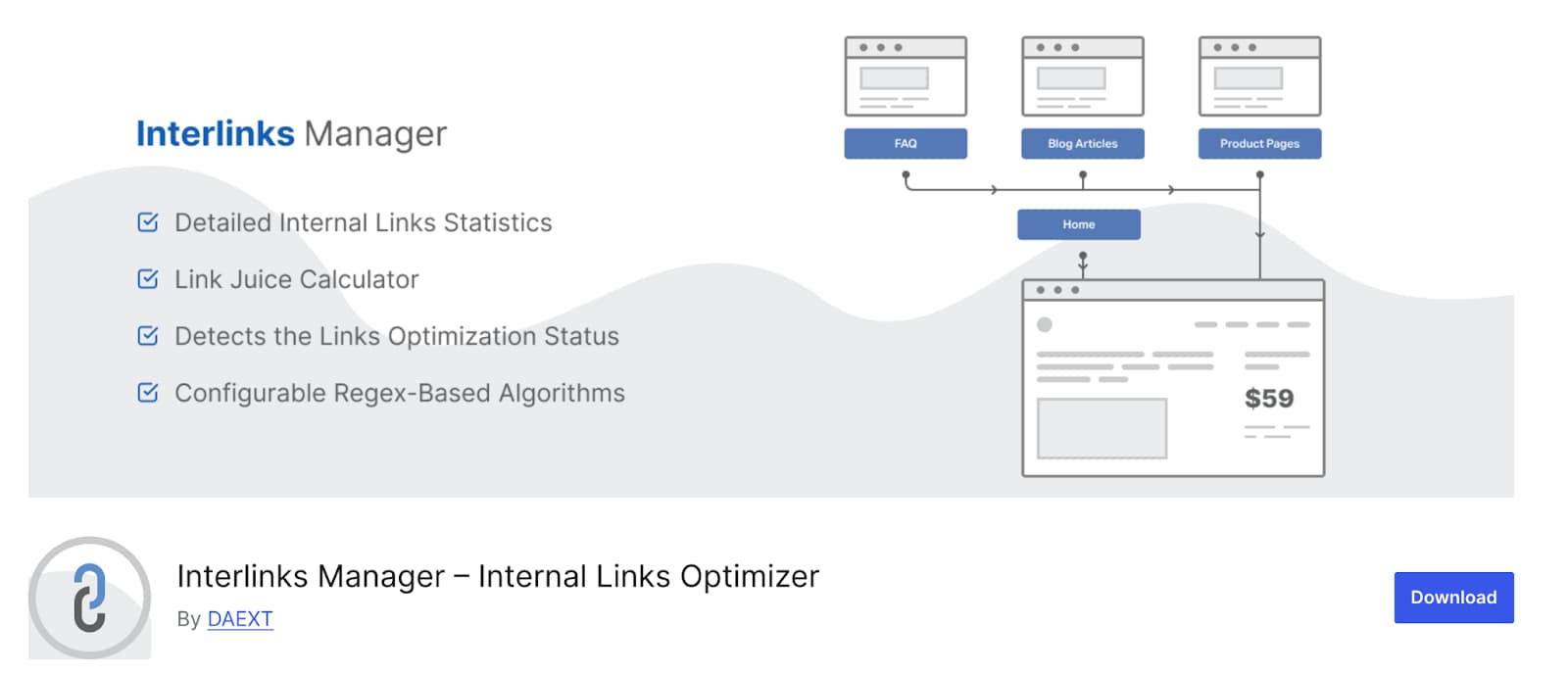
Interlinks Manager provides monitoring and optimization for your internal link building. It allows you to perform internal link analysis and even calculate link juice based on its own model. In a premium version, you also get more advanced automation and detailed reports.
Why it stands out: You can adjust the parameters the plugin uses. For example, the number of characters per link, optimization delta threshold, memory/CPU settings for large sites, etc.
Good for: Data-oriented website owners tracking link equity and ongoing performance. This plugin is also quite popular among SEO experts who are especially focused on measurable improvement.
Main Things to Consider When Choosing an Internal Link Building Plugin
Apart from your goals, what else should serve as a navigation point for choosing a plugin? We'd suggest at least a couple of things:
-
Automation or manual control. First, make sure you trust the plugin to auto-insert links. More often than not, it's best to review suggestions. Besides, if you add too much automation, your links could become spammy or irrelevant.
-
Integration with your SEO stack. If you're already using AIOSEO, Yoast, Rank Math, etc., adding a separate plugin may duplicate features. It can also cause plugin bloat, leading to poor performance.
-
Local SEO needs. As "near me" searches are getting more and more popular, some of you are likely focusing on local optimization. If that's your case, make sure to select a proper plugin. Generally speaking, many like Yoast Local SEO or Rank Math's local SEO optimization modules.
-
Scalability and content volume. You have to understand that a site with thousands of posts needs robust automation. However, if you have a site with dozens of publications, don't rush; you may be fine with manual linking and some basic suggestions.
-
Performance and overhead. Plugins that scan the entire content or auto-inject many links can add load. Make sure you test for site speed impact when using any plugins.
-
Functionality. Of course, no tool from the above can find competitor backlinks or create high-conversion landing pages. Sure, these are primarily internal linking plugins. But their features are also different. Some give you basic overviews, others offer anchor text control, context-aware linking, bulk-import, advanced automation, detailed dashboards, etc. So, choose something powerful enough for your needs.
-
Cost vs. ROI. Some plugins are cheap (or even free) but limited. However, others cost more but handle large scales. So, make sure to match your budget and scale, and you'll be able to choose the best solution.
-
Future management and maintenance. Here are a few highly important questions to consider to understand the "longevity" of a tool. Will the plugin remain updated? Will auto-links become outdated when URLs change? Does it handle broken links and redirects?
So overall, an internal link-building plugin can make your WordPress site healthier and help you avoid common WordPress errors. But it is up to you to choose the most appropriate one for your website.
Conclusion
Internal linking becomes a real SEO priority as soon as a site grows beyond a small set of pages. It influences crawling, rankings, user journeys, and content discovery. Of course, doing all these things manually is possible, but it is rarely scalable. Still, with this selection of WordPress internal linking plugins, you can automate this process quite easily.
FAQs
Do I really need a linking plugin for SEO?
Not always. If you own a very small website, you can manage it manually. But once your content library grows, a plugin saves time and prevents missed opportunities.
What's the biggest benefit of using an internal linking plugin?
You get a stronger website structure with less manual effort. Besides, it keeps all your pages connected and discoverable.
What are the best WordPress internal linking plugins?
Everything depends on your goals. For example, Link Whisper is good for automation. AIOSEO or Rank Math for combined SEO workflows, and Interlinks Manager for analytics.
Is automatic internal linking software effective and safe?
Yes, but you have to double-check your choice before committing. Make sure that your automation isn't too spammy or irrelevant and that your plugin doesn't slow down your site.
Can internal linking plugins slow down my site?
Any plugin can impact performance. So, it's important to choose well-maintained solutions that are regularly updated and only keep features that you actually need.