14 posts tagged with "Optimization"

Learn Optimizations and Web Performance Strategies

View All Tags

WooCommerce Speed Optimization: What Matters the Most

· 23 min read

Kashish Kumawat
CEO @ SpeedVitals

WooCommerce speed optimization cover showing a cached storefront beside an uncached checkout request reaching PHP and the database

Most WooCommerce speed optimization guides follow the same script. Install a caching plugin, put Cloudflare in front of the store, compress your images, and watch the PageSpeed score climb into the 90s.

That advice works for your homepage, product pages, and blog posts. But it barely touches the requests where customers actually pay you. Add to cart, cart updates, checkout, and every logged-in session skip the page cache by design, and their speed depends on PHP, the database, and the CPU behind your store.

So what makes a WooCommerce store fast, and what should you fix first? Let's find out.

How to Self-Host Google Fonts on Every Major Platform

· 32 min read
Kashish Kumawat
CEO @ SpeedVitals

Self-host Google Fonts on every major platform, shown as a browser loading WOFF2 files from its own server instead of an external cloud

If your site uses the standard Google Fonts embed, every new visitor's browser has to connect to two Google domains before it can draw your text in the right typeface. Self-hosting Google Fonts removes both of those connections, and the font files arrive over the connection your page is already using.

My team and I have tested this extensively over years of speed optimization work at SpeedVitals, and self-hosting consistently makes a good difference. The tricky part is that the steps look completely different on WordPress, Shopify, Webflow, Next.js, or a Jekyll site.

In this article, I'll show you how to self-host Google Fonts on 20 platforms, how to prepare the files so they stay small, and how to confirm that no request to Google is left behind.

Website Performance Optimization: What Matters the Most

· 28 min read
Kashish Kumawat
CEO @ SpeedVitals

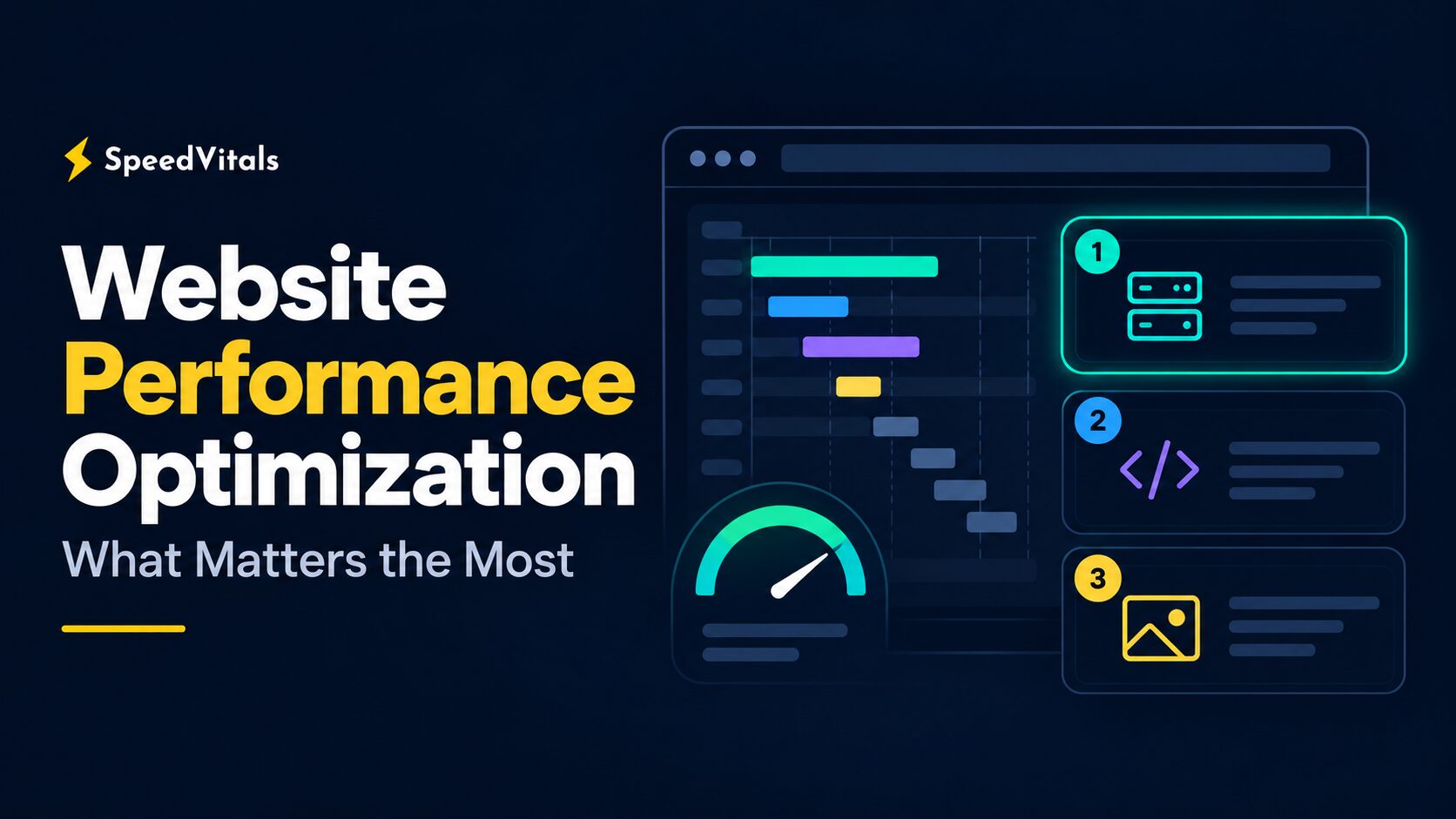
Website performance optimization: what matters the most, shown as three ranked fixes beside a page loading waterfall

Whenever you read a website performance optimization checklist, you'll usually find 30 or 40 tips listed as if they carry equal weight. Minify CSS, enable HTTP/3, self-host Google Fonts, convert images to WebP, add a CDN, and so on.

But a browser doesn't load your page from a checklist. It follows a dependency chain. A 20 KB image saving can't make up for a server that takes one second to send the HTML, and HTTP/3 can't make 700 KB of unnecessary JavaScript cheap to execute.

So which optimizations actually move your Core Web Vitals, and in what order should you make them? Let's find out.

How I Optimized the Performance of My Vite + React Website

· 15 min read
Kashish Kumawat
CEO @ SpeedVitals

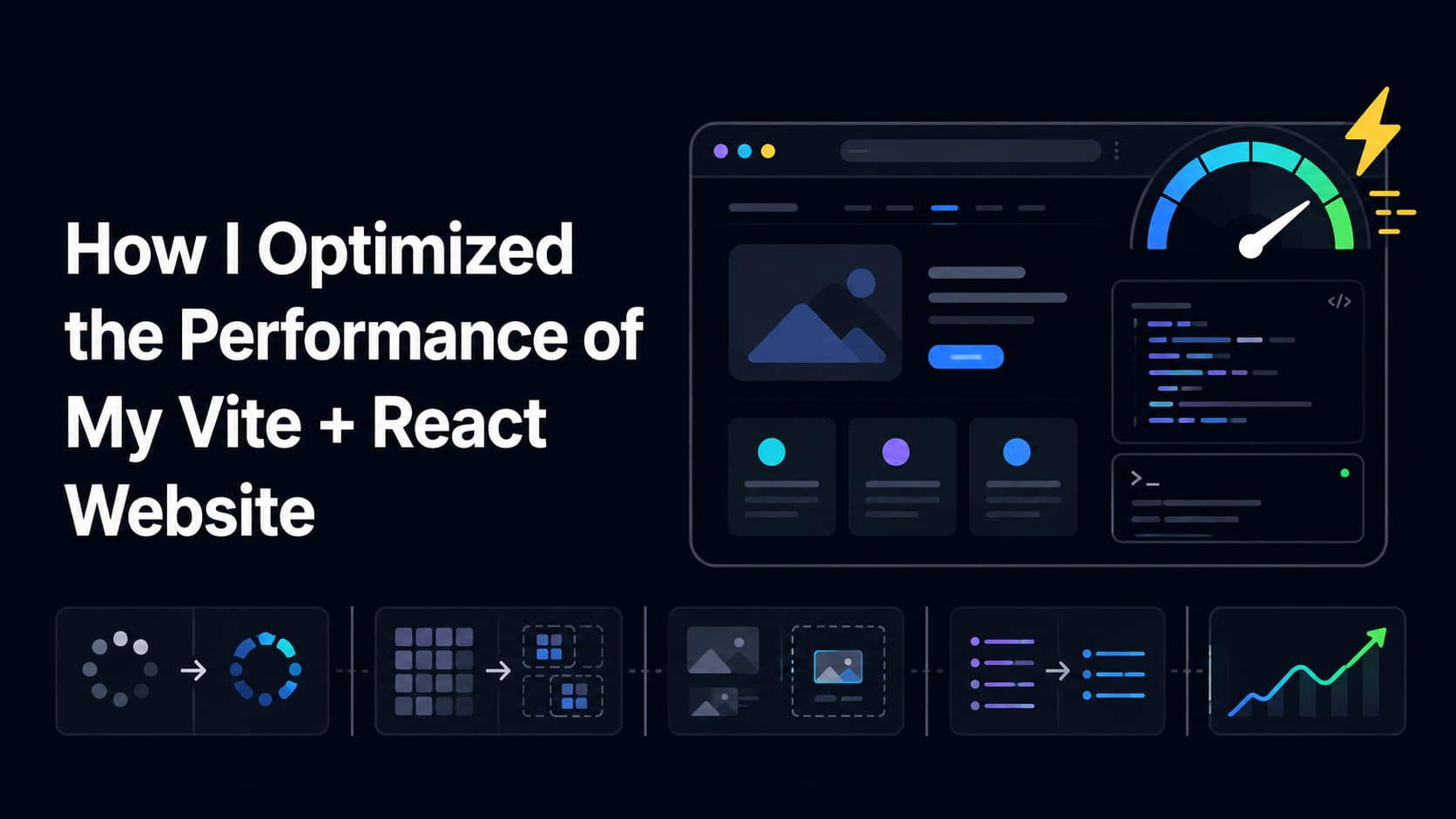
Vite + Reach Website Speed Optimization

When I started building Moon Dasha, a SaaS platform powered by Vedic Astrology, I chose Vite, React, and TypeScript because I wanted a fast development workflow without giving up the flexibility required for a large web application.

Vite kept development quick, and the first version of the website loaded well. But as the application grew to include more calculators, reports, result tabs, blog posts, and images, its production performance required a lot more attention.

Shopify Speed Optimization: The Complete Guide

· 21 min read
Kashish Kumawat
CEO @ SpeedVitals

Shopify Speed Optimization

Shopify speed optimization is not about chasing a perfect Lighthouse score once and forgetting about it.

For most Shopify stores, speed problems come from a few repeat offenders: heavy themes, too many apps, oversized images, third-party scripts, render-blocking CSS, web fonts, and dynamic widgets that shift the page after it loads.